Akollo vs Jira
Akollo vs Jira: when to choose which
Jira is the standard for tracking software work, extended with Marketplace apps. Akollo works the way Jira users expect and adds what usually sits in other tools: timesheets with approval, leave, capacity and budgets.
At a glance
Akollo and Jira, area by area
- Built in
- Paid add-on, price in the cell
- Not offered
| Area | Akollo | Jira |
|---|---|---|
| Projects, boards and timelines | Built inBoards, backlogs, sprints, timeline and approvals. | Built inBoards, lists, timeline and calendars, with dependencies. |
| Time tracking and timesheets | Built inTimesheets with approval, plus a desktop app that measures time. | Paid add-on, price in the cellWork logging on work items; timesheets and approvals come from Marketplace apps. |
| Resource and capacity planning | Built inPlanned against available time, per team and period. | Built inCapacity in Plans, on Premium and Enterprise. |
| Budgets and profitability | Built inBudgets, cost rates, budget vs actual and profitability. | Paid add-on, price in the cellNot on Jira's feature pages; Marketplace apps. |
| HR basics: people and time off | Built inEmployee records, org chart, leave requests and approvals. | Not offeredNot on Jira's feature pages. |
| CRM: accounts and pipeline | Built inAccounts, contacts, pipeline and activities. | Not offeredNo CRM; Salesforce is an integration. |
| AI assistant | Built inAdmins decide who uses it; it answers within each person's permissions. | Built inRovo, Atlassian's AI, runs as an Atlassian service. |
| Self-hosting on your own servers | Built inOur cloud, or your own data centre or cloud account. | Not offeredData Center closed to new customers in March 2026; end of life March 2029. |
| Product in Turkish | Built inTurkish, English and German, written natively. | Built inTurkish is among the interface languages. |
| Choice of where data is stored | Built inSelf-hosted, the data stays where you install it. | Built inMany regions, including the EU and Germany, on Standard and up. |
Where Akollo is different
Everything around the ticket, in the same product
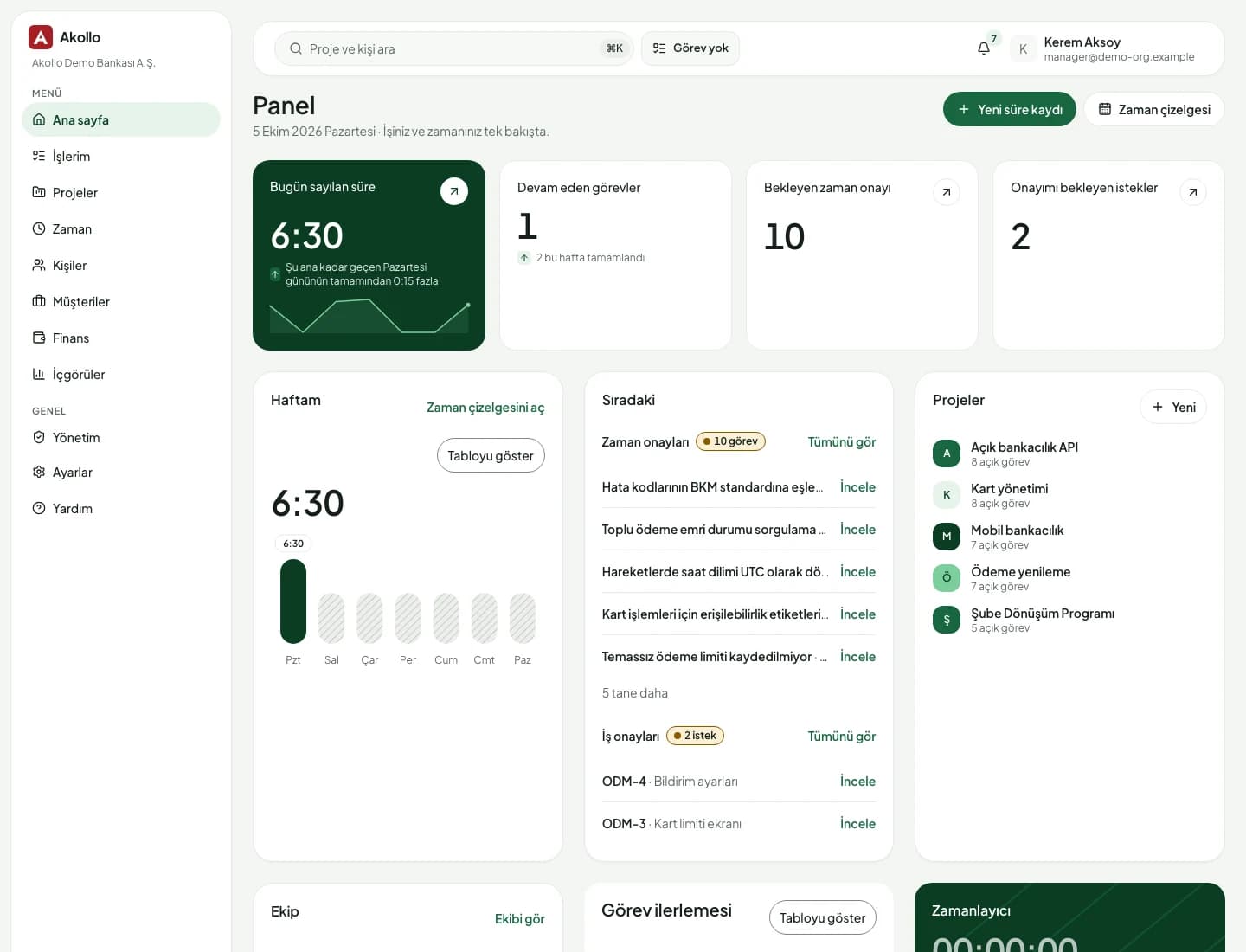
Boards, backlogs and sprints work the way Jira users expect. The difference is what Akollo keeps next to them.
- 01
A timesheet that already knows the project
The hour logged on a task is the same record the manager approves, finance prices with a cost rate and HR checks against leave. No sync between apps to break at month end.
- 02
Built for PMO, HR and finance too
Capacity, leave approvals, budgets and profitability live in Akollo, with screens and terms that make sense outside engineering.
- 03
AI that stays inside each person's permissions
Admins decide who can use the assistant and can set monthly limits or switch it off. It only answers with data the person could open anyway.
- 04
Self-hosting that is still on sale
Atlassian has stopped selling Jira Data Center to new customers. Akollo runs in our cloud or in your own data centre or cloud account.
To be fair
When Jira is the better fit
Jira is mature, widely known and backed by a huge ecosystem. If your organisation is mostly software teams and has no need for timesheets, HR or self-hosting, it is a strong choice, and we will say so in a demo.
- You depend on Marketplace apps; Atlassian lists more than 3,000 integrations
- Your teams already use Confluence and other Atlassian products every day
- You want Atlassian Cloud in a region you choose, such as the EU or Germany
Moving over
Move from Jira with the Jira connector
Akollo connects to Jira Cloud and Jira Data Center. Run both side by side, agree what moves when, and switch one team at a time.
- 01
Connect Jira
Jira Cloud connects with an email and API token, Jira Data Center with a personal access token.
- 02
Agree the split
Decide which activities stay in Jira for now and which move to Akollo, project by project.
- 03
Review the transfer
Work items, comments, attachments, work logs and history come across. Anything that needs a look is listed.
- 04
Switch on a set date
Accept the transfer once nothing is open, then move each team over on the date you agreed.
Questions about switching from Jira
Will our Jira history come with us?
Yes. Work items, comments, attachments, work logs and history come across, and anything that needs a decision is listed for review before you accept the transfer.
Jira migrationCan we keep Jira for some teams?
Yes. You decide which activities stay in Jira and which move to Akollo, project by project, and run both for as long as you need.
We are on Jira Data Center. What are our options?
Atlassian says Data Center reaches end of life in March 2029 and points customers to its cloud. If you need to stay on your own servers, Akollo can be installed in your data centre.
On-premise deploymentDo people need training?
Boards, backlogs and sprints work the way Jira users expect. Most of the learning is in what Jira did not have: timesheets, approvals and capacity.
See your Jira projects in Akollo
Connect a test project or bring an export, and we will show it running in Akollo during the demo.