Documentation
Guides for employees, managers, HR, finance and administrators, in English, Turkish and German, at docs.akollo.com.
Plan and deliver
Measure and automate
By team
By need
Project management tools
Time tracking tools
Support
Most answers are in the documentation or with your own administrator. When you need us, the Akollo team helps through a read-only support session that you can always see.
Where to start
Guides for employees, managers, HR, finance and administrators, in English, Turkish and German, at docs.akollo.com.
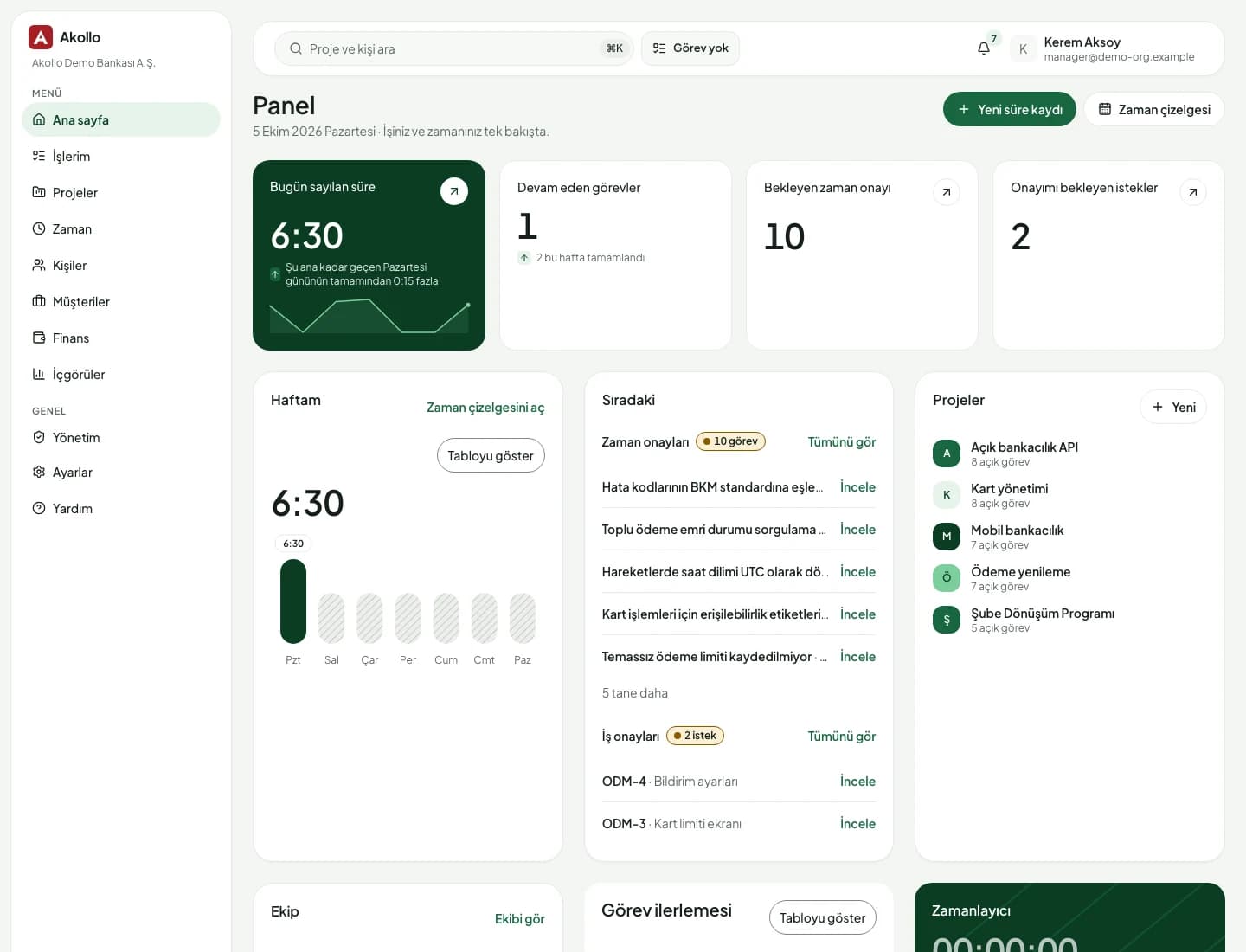
The command palette jumps to any page by name, and the bell collects every notice (updates, reminders and access reviews) in one place.
Questions about access go to your own administrator first. “Explain access” shows where each permission a person holds comes from.
For anything else, write to us through the contact form and tell us your organisation and what you were trying to do.
When we need to look at your organisation to help, we do it in a way you can see and that cannot change anything.
Read-only by design
When Akollo support opens a session in your organisation, a “Support session” banner is shown. The session can read the pages it is allowed to see, and nothing more.
Access depends on your role, permission sets, department, management scope and the modules your organisation has enabled. Your administrator can use “Explain access” to see where each permission comes from.
No. A support session is read-only: it cannot create, change, approve or delete anything, and sensitive fields stay hidden. A banner shows while it is open.
Open Settings › Notifications: e-mail may be turned off for you in this organisation. Notices still appear under the bell unless in-app notifications are off too.
In the request portal under My work › Portal, if your organisation uses it. Employees pick a service from the catalogue, fill in its form and follow their requests there.
Tell us what you were trying to do and which organisation you work in, and we will get back to you.